1 Month - Crow IPTV
1 connection
$18.00CAD
$20.00
Save 10%
Get Started — 1 Month - Crow IPTVCrown IPTV is a Stalker Portal and MAC Address IPTV subscription for compatible IPTV devices. Explore live TV, sports, movies, series and international entertainment, with available HD and 4K programming depending on the channel and package. Browse Crown IPTV subscription plans in Canada through KING TV.
Crown IPTV – Stalker Portal & MAC Address IPTV Subscription Discover Crown IPTV , a Stalker Portal IPTV subscription available through KING TV for customers in Canada. Crown IPTV uses MAC address activation with a compatible IPTV device or application rather than a traditional Xtream Codes username and password. If you are looking for a Stalker IPTV service in Canada , Crown IPTV is an option to consider. Review the available subscription plans, supported devices and programming details before ordering. Crown IPTV Features Stalker Portal IPTV: Connect through a compatible portal-based IPTV device or application. MAC Address Activation: Access is linked to the MAC address registered for your subscription. Portal URL: Use the supplied Stalker Portal address to configure your compatible device. Live TV: Explore the live television channels included with your selected package. Sports & Entertainment: Check the available channel lineup for sports, news and entertainment programming. Movies & Series: On-demand availability depends on the Crown IPTV package. HD & 4K IPTV: Picture quality depends on the available streams and your compatible device. EPG TV Guide: Program-guide availability depends on the service, channel and player. Stalker Portal & MAC Address Activation Crown IPTV uses Stalker Portal / MAC Address authentication. Your compatible IPTV player connects through a portal URL, and the MAC address used by that player must be registered for the subscription. This connection method differs from Xtream Codes IPTV and M3U playlist services. Crown IPTV should not be purchased for an application that supports only Xtream Codes or M3U. Compatible Crown IPTV Devices Stalker Portal IPTV is commonly used with the following types of devices and applications, provided they support the specific portal configuration: MAG IPTV boxes with compatible Stalker Portal support BuzzTV boxes with supported portal functionality Formuler devices with compatible portal applications Dreamlink IPTV boxes with supported portal functionality Android TV boxes using compatible Stalker applications Amazon Firestick and Fire TV with a compatible Stalker player NVIDIA Shield with a compatible Stalker application STB Emulator applications supporting portal and MAC connections Important: Not every model or application supports every Stalker server. Confirm your exact device and application compatibility before purchasing Crown IPTV. Live TV, Sports & International Entertainment Crown IPTV is offered as an IPTV subscription for viewers interested in live television and entertainment. Check the current package lineup for Canadian channels, international programming, sports and other content categories that matter to you. Specific channels, live events, movies and series are not guaranteed unless they are confirmed in the selected Crown IPTV package. HD, Full HD & 4K IPTV Some IPTV programming may be offered in HD, Full HD or 4K resolution. Actual availability depends on the Crown IPTV content lineup, source stream, internet connection and device capabilities. Not every channel or program is available in 4K. Crown IPTV Subscription Plans in Canada Browse the available Crown IPTV subscription plans through KING TV and review pricing in Canadian dollars. Before ordering, check the subscription duration, device compatibility, connection allowance and available programming. How to Set Up Crown IPTV Choose an available Crown IPTV subscription plan. Confirm that your device or IPTV application supports Stalker Portal connections. Provide the MAC address required for activation through the approved ordering process. Wait for confirmation that the subscription has been activated. Enter the supplied portal URL into your compatible IPTV device or application. Load the portal and check your available channels. Follow the setup instructions provided for your device. Keep your portal details and registered MAC address private. Crown IPTV – Frequently Asked Questions What is Crown IPTV? Crown IPTV is an IPTV subscription offered through KING TV using Stalker Portal and MAC address authentication. Does Crown IPTV use Xtream Codes or M3U? No. The Crown IPTV package offered here uses Stalker Portal and MAC Address activation. It should be used with a compatible Stalker IPTV device or application. Can I use Crown IPTV on a MAG box? MAG boxes are commonly used for Stalker Portal IPTV, but compatibility with your exact MAG model and the Crown IPTV server should be confirmed before ordering. Can I use Crown IPTV on Firestick? A Firestick may be suitable when using an application that specifically supports Stalker Portal and MAC-based authentication. Compatibility with the selected application must be confirmed. Does Crown IPTV support 4K? 4K availability depends on the actual Crown IPTV package, channel or on-demand title, and compatible streaming equipment. Does Crown IPTV include catch-up TV? Catch-up TV availability and the number of playback days must be confirmed for the selected Crown IPTV package. How do I activate Crown IPTV? Choose your subscription through KING TV and follow the provided instructions for registering your compatible device's MAC address and configuring the Stalker Portal URL.
Plans from $18.00 CAD
View PlansSelect the plan that works best for you. All plans include the same package features.
1 connection
$18.00CAD
$20.00
1 connection
$45.00CAD
$15.00/month
1 connection
$80.00CAD
$13.33/month
1 connection
$140.00CAD
$150.00
$11.67/month
Discover Crown IPTV, a Stalker Portal IPTV subscription available through KING TV for customers in Canada. Crown IPTV uses MAC address activation with a compatible IPTV device or application rather than a traditional Xtream Codes username and password.
If you are looking for a Stalker IPTV service in Canada, Crown IPTV is an option to consider. Review the available subscription plans, supported devices and programming details before ordering.
Crown IPTV uses Stalker Portal / MAC Address authentication. Your compatible IPTV player connects through a portal URL, and the MAC address used by that player must be registered for the subscription.
This connection method differs from Xtream Codes IPTV and M3U playlist services. Crown IPTV should not be purchased for an application that supports only Xtream Codes or M3U.
Stalker Portal IPTV is commonly used with the following types of devices and applications, provided they support the specific portal configuration:
Important: Not every model or application supports every Stalker server. Confirm your exact device and application compatibility before purchasing Crown IPTV.
Crown IPTV is offered as an IPTV subscription for viewers interested in live television and entertainment. Check the current package lineup for Canadian channels, international programming, sports and other content categories that matter to you.
Specific channels, live events, movies and series are not guaranteed unless they are confirmed in the selected Crown IPTV package.
Some IPTV programming may be offered in HD, Full HD or 4K resolution. Actual availability depends on the Crown IPTV content lineup, source stream, internet connection and device capabilities.
Not every channel or program is available in 4K.
Browse the available Crown IPTV subscription plans through KING TV and review pricing in Canadian dollars.
Before ordering, check the subscription duration, device compatibility, connection allowance and available programming.
Follow the setup instructions provided for your device. Keep your portal details and registered MAC address private.
Crown IPTV is an IPTV subscription offered through KING TV using Stalker Portal and MAC address authentication.
No. The Crown IPTV package offered here uses Stalker Portal and MAC Address activation. It should be used with a compatible Stalker IPTV device or application.
MAG boxes are commonly used for Stalker Portal IPTV, but compatibility with your exact MAG model and the Crown IPTV server should be confirmed before ordering.
A Firestick may be suitable when using an application that specifically supports Stalker Portal and MAC-based authentication. Compatibility with the selected application must be confirmed.
4K availability depends on the actual Crown IPTV package, channel or on-demand title, and compatible streaming equipment.
Catch-up TV availability and the number of playback days must be confirmed for the selected Crown IPTV package.
Choose your subscription through KING TV and follow the provided instructions for registering your compatible device's MAC address and configuring the Stalker Portal URL.
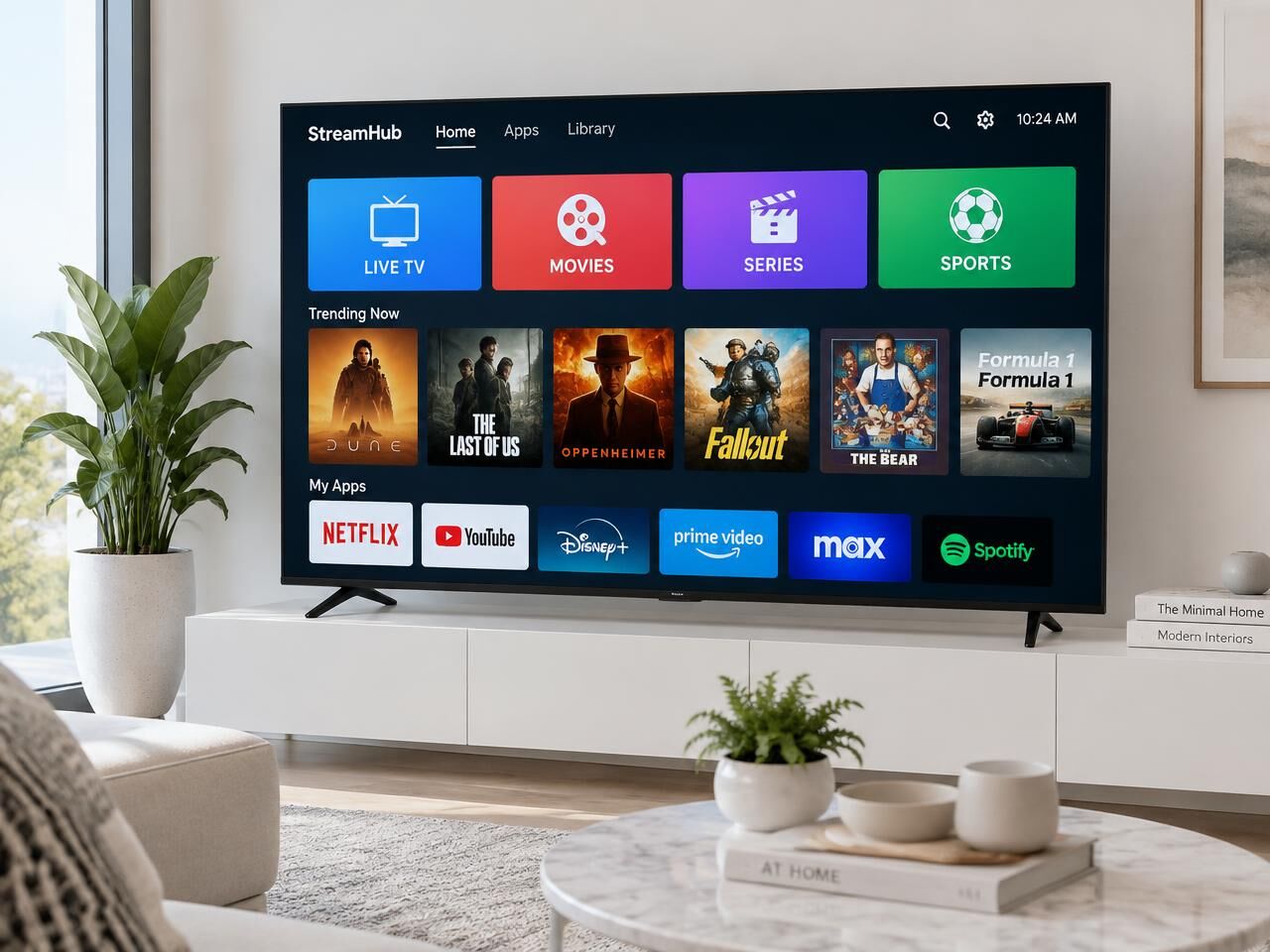
Follow a guide for your device.
Set up your IPTV subscription on a Formuler box with MYTVOnline. This beginner-friendly guide covers connecting your device, adding a portal and loading your TV service.
Learn how to set up IPTV on a MAG box using your Portal URL, from connecting your device to configuring the portal and loading your service.
Set up IPTV on your MacBook, iMac or Mac desktop with this step-by-step guide to installing a compatible player, connecting your subscription and starting playback.
By the end of this guide you will learn how to watch IPTV on a Windows PC or laptop by installing a compatible IPTV player, adding your subscription and configuring it for desktop viewing.
Learn how to set up IPTV on a Smart TV, install a compatible IPTV player, add your subscription information and start watching.
Learn how to set up your KingTV.ca IPTV subscription on an Amazon Fire TV or Firestick using a compatible IPTV player.
Watch IPTV on your iPhone or iPad with this easy setup guide. Learn how to install a compatible player from the App Store, add your subscription and begin streaming.
Learn how to set up your IPTV subscription on Android TV or Google TV, from installing an IPTV player to adding your service and starting to watch.
Choose a plan and start watching in minutes.
Buy NowNova Stream IPTV is a premium multi-connection IPTV service featuring live TV, sports, PPV, movies, series and international entertainment in HD, Full HD and 4K. Enjoy flexible streaming on Firestick, Android TV, Smart TVs and other compatible devices using Xtream Codes or M3U.
From $13.00 CAD
View Plans for Nova Stream IPTV