Setup Guides
Pick your device and follow the steps.
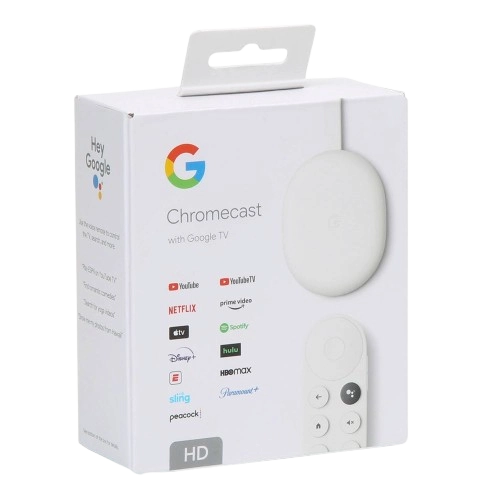
Chromecast
How to Set Up IPTV on Chromecast & Google TV
Learn how to watch IPTV on Chromecast or Chromecast with Google TV. Install a compatible IPTV player, connect your subscription or cast from a supported device to your television.
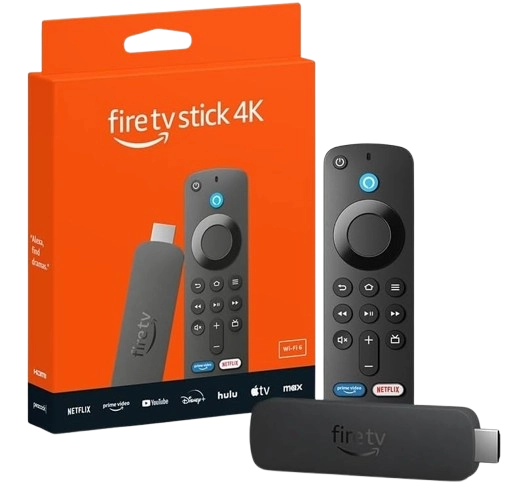
Amazon Fire TV / Firestick
How to Set Up IPTV on Amazon Fire TV / Firestick
Learn how to set up your KingTV.ca IPTV subscription on an Amazon Fire TV or Firestick using a compatible IPTV player.
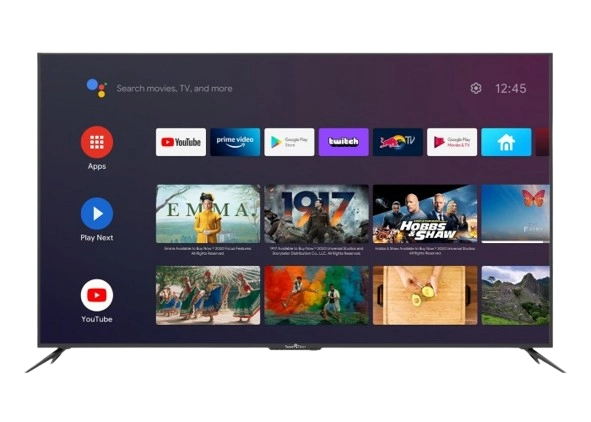
Android TV
How to Set Up IPTV on Android TV
Learn how to set up your IPTV subscription on Android TV or Google TV, from installing an IPTV player to adding your service and starting to watch.
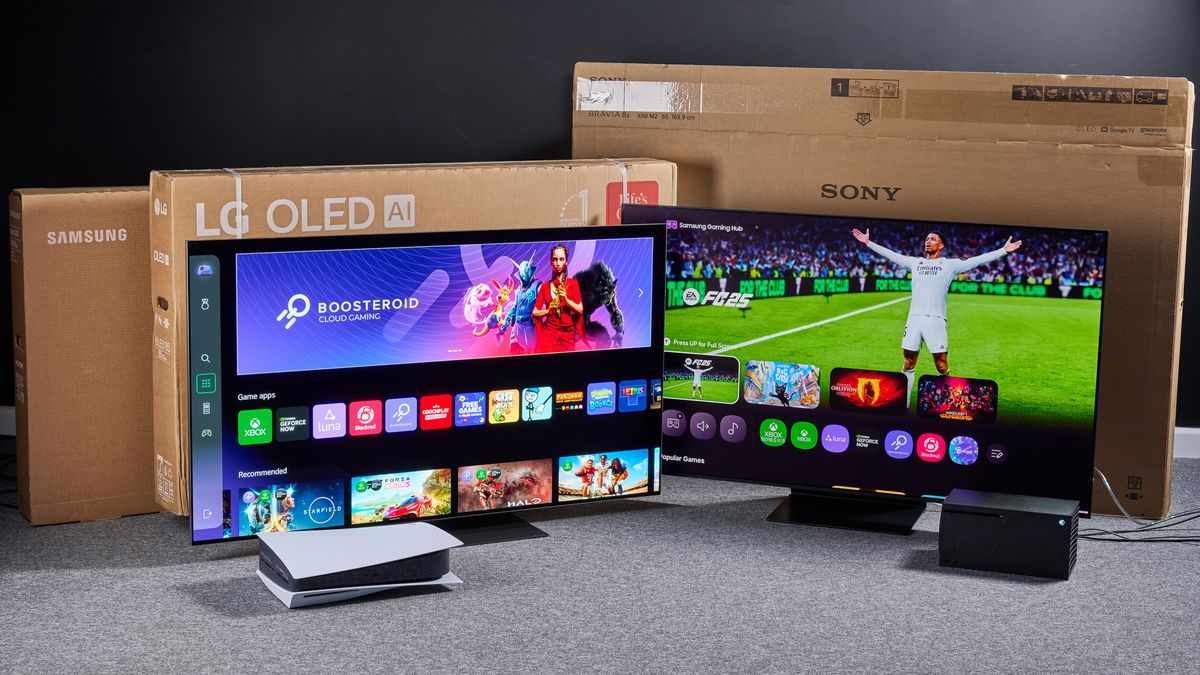
Smart TV
How to set up IPTV on Smart TV
Learn how to set up IPTV on a Smart TV, install a compatible IPTV player, add your subscription information and start watching.
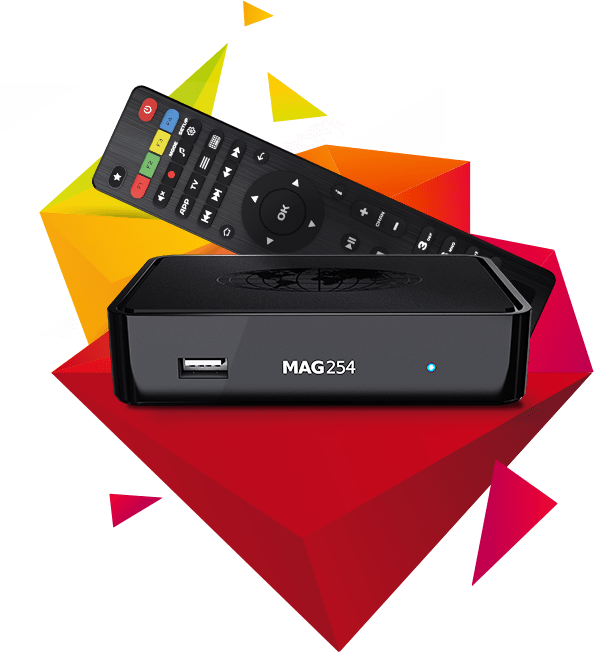
MAG
How to set up IPTV on MAG
Learn how to set up IPTV on a MAG box using your Portal URL, from connecting your device to configuring the portal and loading your service.
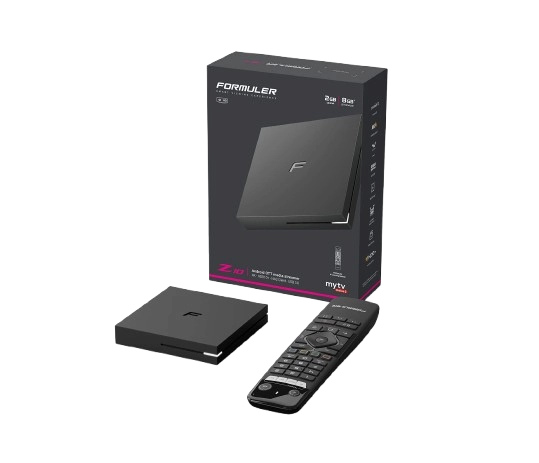
Formuler
Formuler IPTV Setup Guide: Using MYTVOnline
Set up your IPTV subscription on a Formuler box with MYTVOnline. This beginner-friendly guide covers connecting your device, adding a portal and loading your TV service.
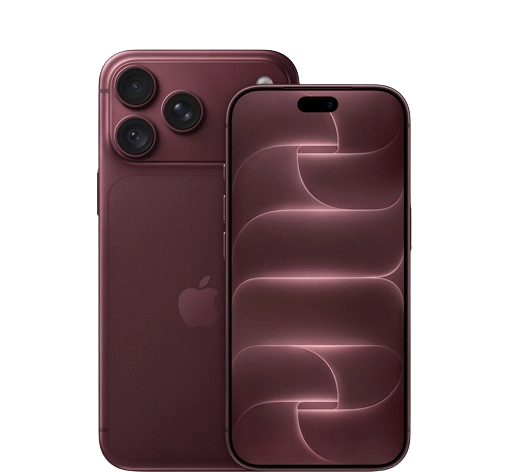
iPhone / iPad
IPTV Setup for iPhone & iPad: Complete iOS Guide
Watch IPTV on your iPhone or iPad with this easy setup guide. Learn how to install a compatible player from the App Store, add your subscription and begin streaming.
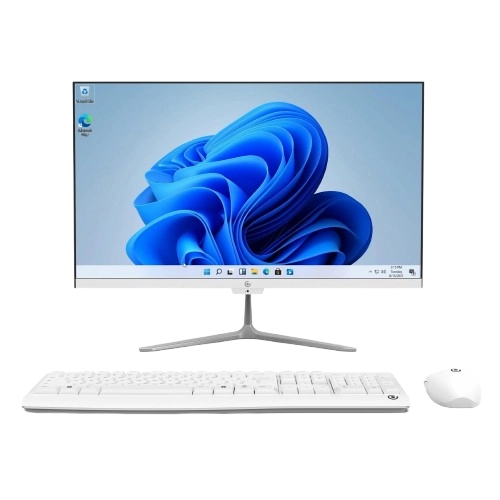
Windows
How to Set Up IPTV on Windows PC
By the end of this guide you will learn how to watch IPTV on a Windows PC or laptop by installing a compatible IPTV player, adding your subscription and configuring it for desktop viewing.
General
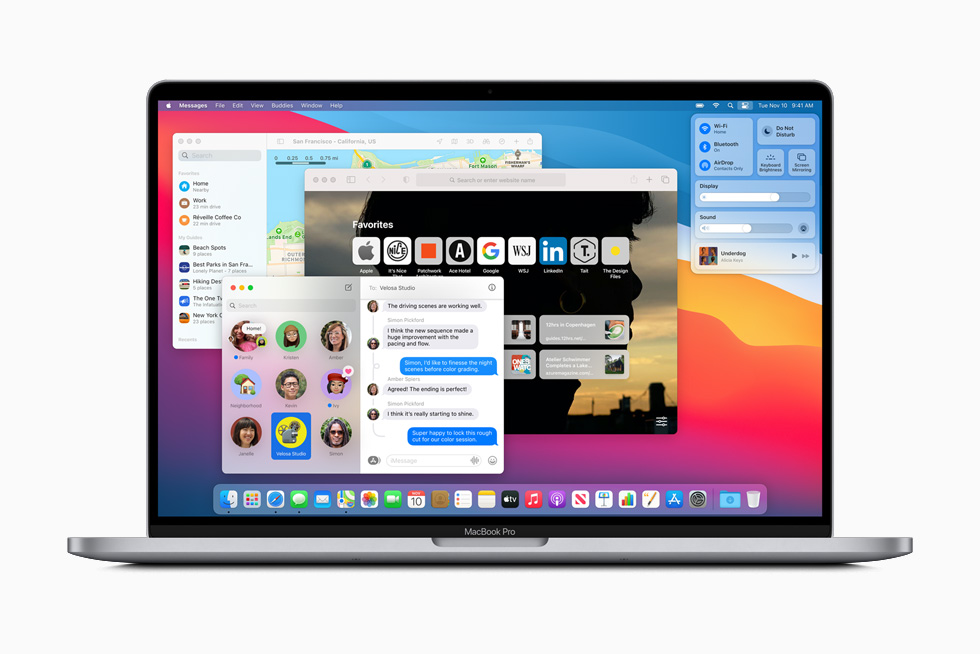
How to Watch IPTV on Mac: macOS Setup Guide
Set up IPTV on your MacBook, iMac or Mac desktop with this step-by-step guide to installing a compatible player, connecting your subscription and starting playback.